Forget Pin

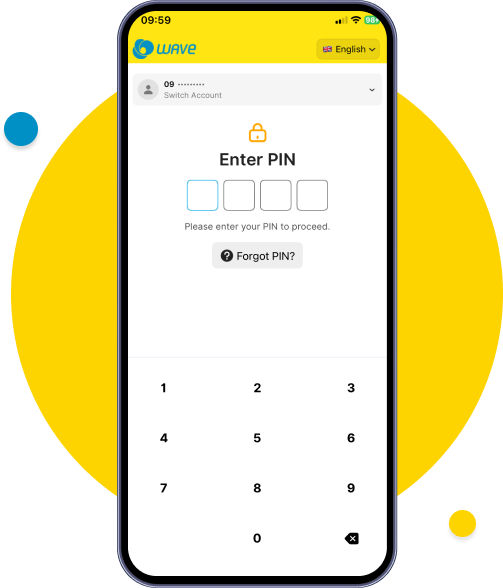
Tap on Forgot PIN from Login or Profile Screen.
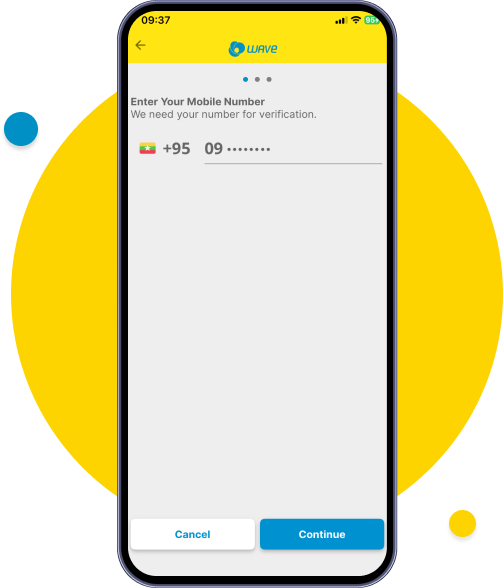
Enter you mobile number.
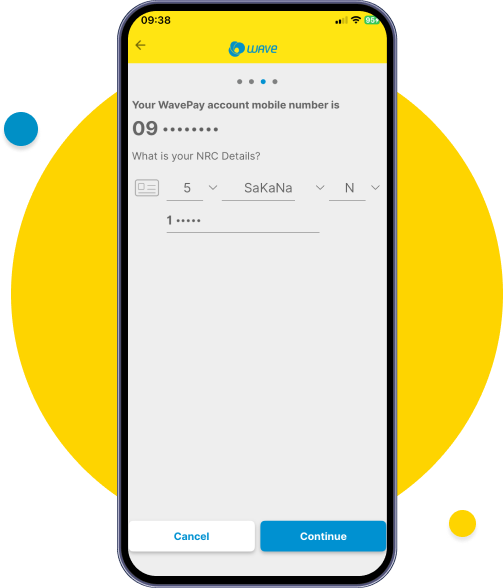
Enter your NRC Number.
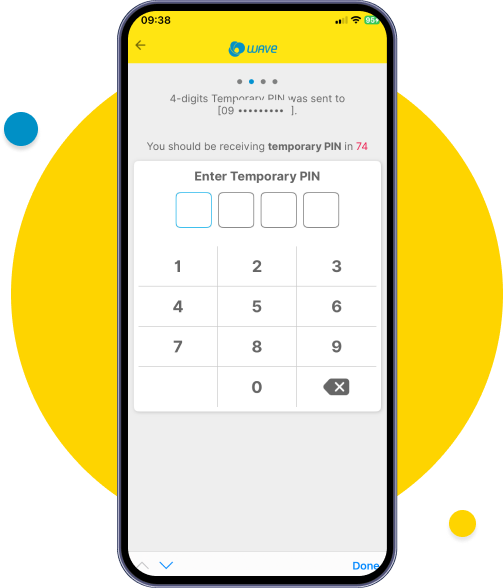
Enter Temporary PIN sent by Wave Money from SMS .
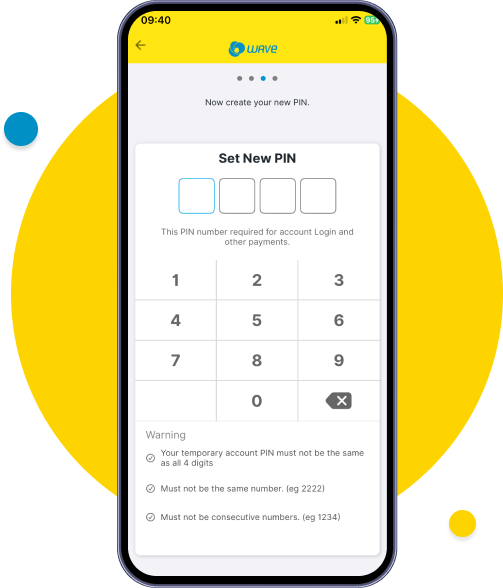
Enter new PIN with security criteria.
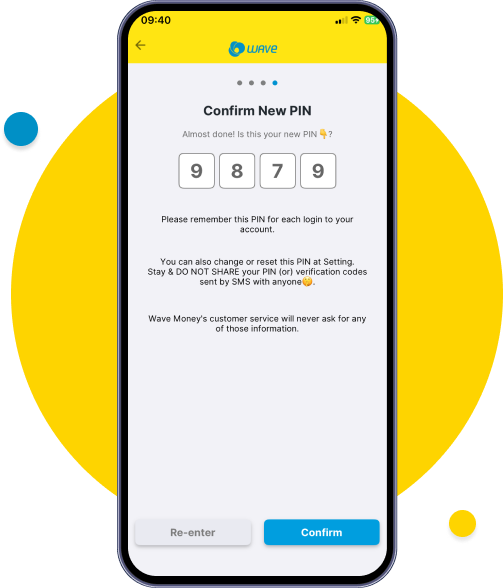
Review the new PIN and tap confirm.
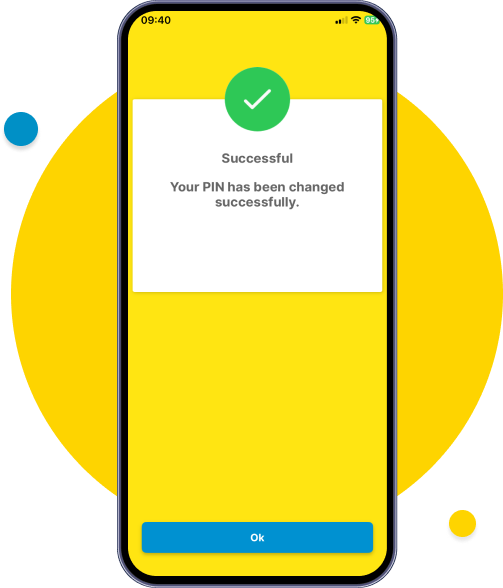
Your PIN successfully changed and re-login with your new PIN.

Tap on Forgot PIN from Login or Profile Screen.
Enter you mobile number.
Enter your NRC Number.
Enter Temporary PIN sent by Wave Money from SMS .
Enter new PIN with security criteria.
Review the new PIN and tap confirm.
Your PIN successfully changed and re-login with your new PIN.
Wavemoney © 2025. All rights reserved.Developed by B360

chat icon